
WeighVue Bagging
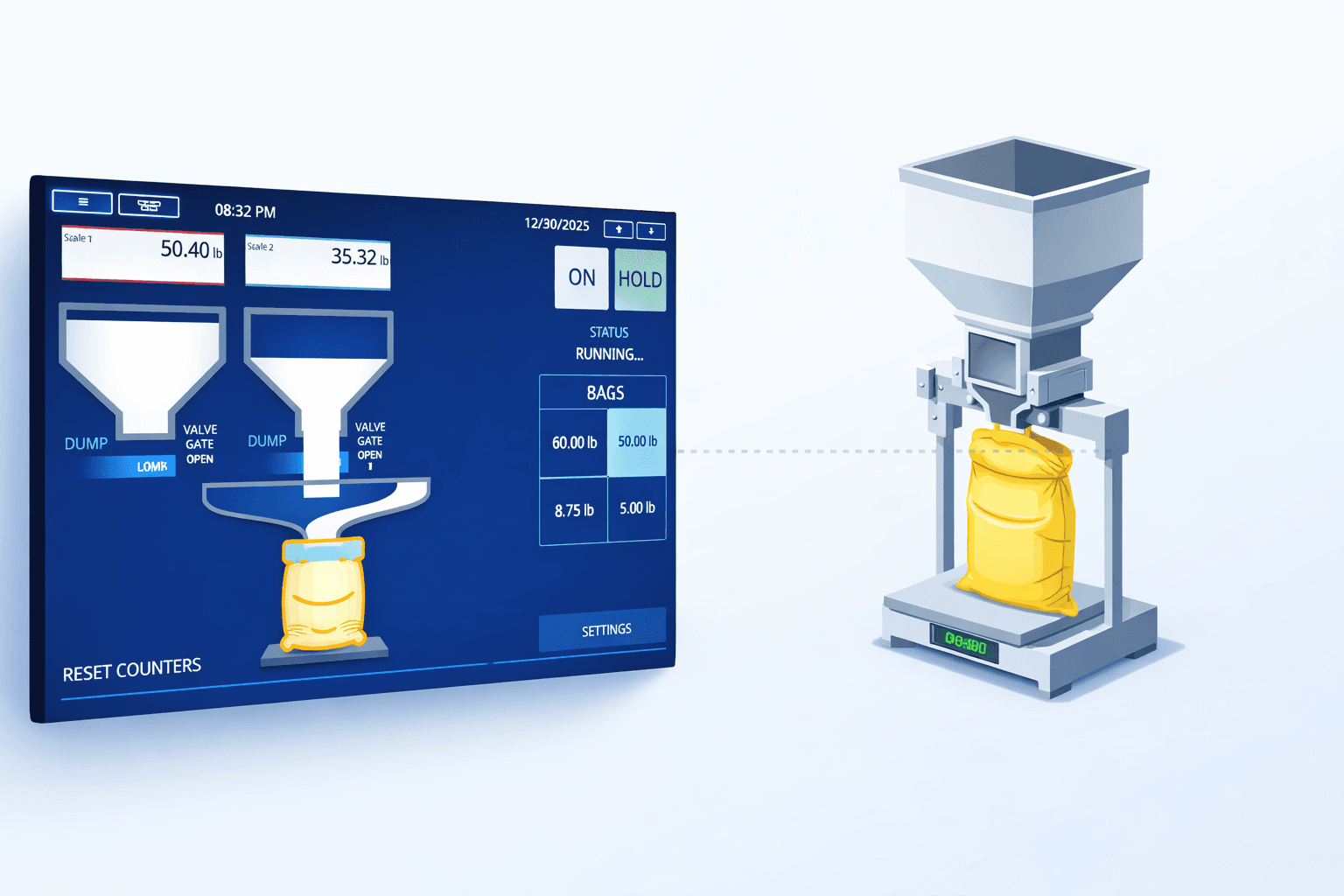
Take precise control of every fill. WeighVue Bagging manages gates, valves, and scales in real time so bags hit target weight and bulk loads stop exactly where they should. Run it on our industrial kiosk or a compact 7-inch desktop weight indicator right at the fill point.
Deploy Your Way
Choose the setup that fits your facility. The same powerful fill control software runs on our full-size industrial kiosk or a compact 7-inch desktop weight indicator. Both are built for industrial environments.
Industrial Kiosk
Mount the kiosk right at the fill station. The 12-inch sunlight-readable touchscreen gives operators real-time fill feedback in even the dustiest, brightest conditions.
7" Desktop Weight Indicator
A compact touchscreen indicator that sits right on a desk or mounts at the fill point. Same industrial-grade build, same fill control software, smaller footprint.
Built for Industrial Environments
Both the kiosk and the desktop indicator are built tough for the plant floor. Dust, moisture, temperature swings, and constant daily use are all part of a normal shift. No consumer-grade shortcuts.

12" Color Touchscreen
Large, vivid display with an intuitive interface that shows fill progress, weight readings, and stage indicators. Glove-friendly for plant floor use.

1,500 NIT Sunlight-Readable Display
Ultra-bright panel stays perfectly legible in direct sunlight or under bright industrial lighting. No squinting, no delays.

Heavy-Duty Steel Enclosure
Powder-coated steel housing built to withstand dust, moisture, temperature swings, and the daily demands of an active plant floor.

Internal Heater and Fan
Thermostatically controlled climate system keeps electronics within operating range from freezing cold rooms to hot production halls.

Serial Ports and Digital I/O
RS-232, RS-485, and RS-422 serial connections plus digital I/O for direct relay control of gates, valves, scale indicators, and other fill equipment.
Precision Fill Control
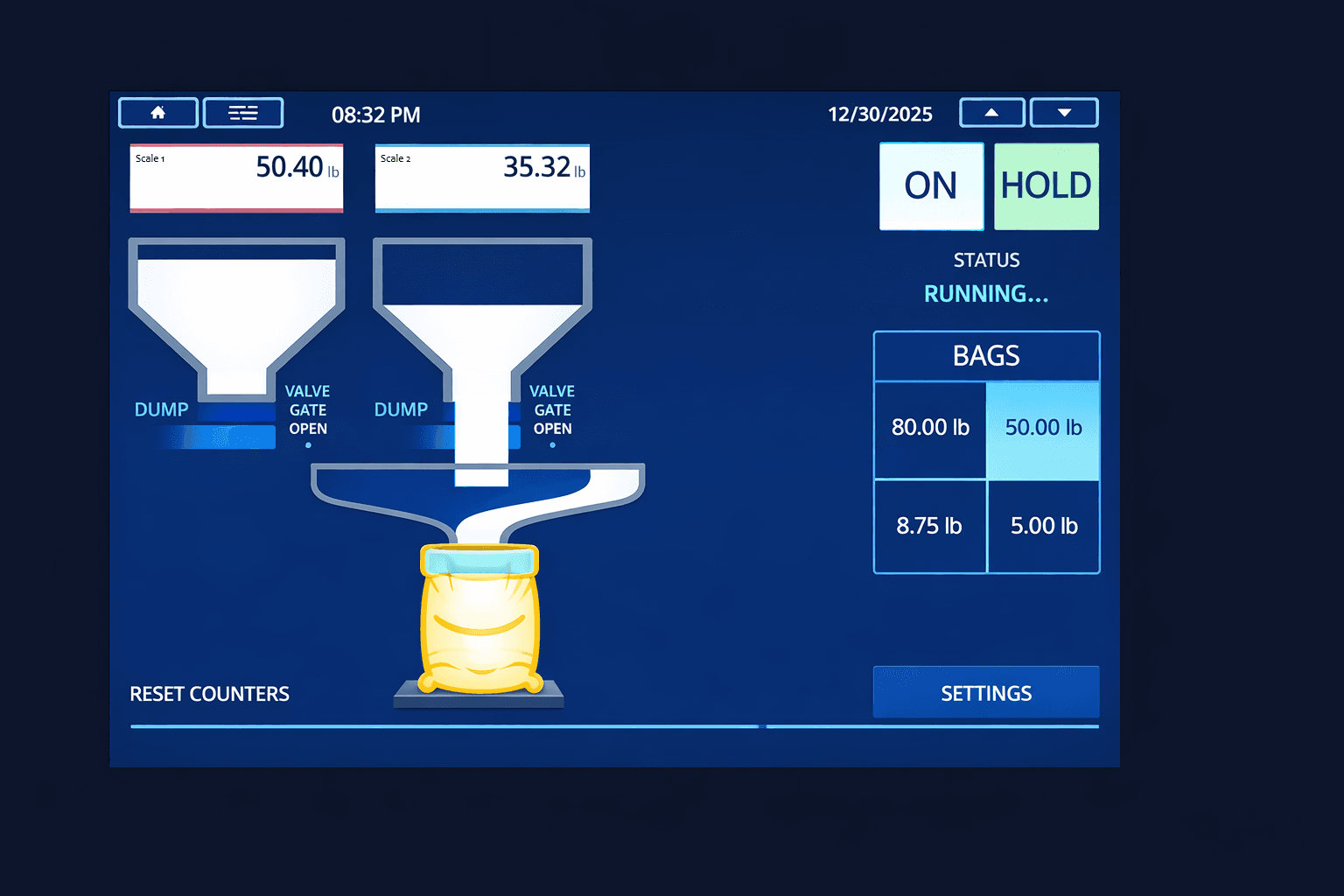
The touchscreen guides the operator through every fill with real-time weight feedback, visual progress bars, and automatic gate and valve commands. Hit your target weight every time.
Automatic Gate and Valve Control
Open and close gates or valves automatically based on real-time scale weight. The system ramps down flow as the target weight approaches for a precise cutoff every time.
Live Fill Progress Display
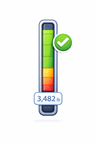
A real-time progress bar and numeric readout on the touchscreen show exactly how close the current fill is to the target. Operators always know where they stand.
Multi-Stage Fill Sequences
Configure fast-fill and dribble-fill stages with independent flow rates. The system transitions between stages automatically to balance speed and accuracy.
Target Weight with Tolerance Bands
Set a target weight along with acceptable over and under tolerances. Out-of-tolerance fills are flagged immediately so operators can correct before the bag or container moves on.
Automatic Overshoot Compensation
The system learns how much material is in flight after the valve closes and adjusts future cutoff points to keep every fill right on target.
Jog and Manual Override
Need to top off a bag or add a small amount? Operators can jog the gate open in short bursts or switch to manual control at any time without leaving the fill screen.
Multi-Scale Monitoring
Run multiple fill stations from a single screen. Each scale gets its own live weight display, fill stage indicator, and gate controls so one operator can manage several lines at once.

Simultaneous Scale Views
See live weight, fill stage, and status for every connected scale on a single screen. No flipping between windows or switching stations.
Per-Scale Fill Status
Each scale shows its own fill stage indicator: idle, filling, dribble, complete, or out of tolerance. Spot issues at a glance across all lines.

Running Production Totals
Track bags filled, total weight dispensed, and material remaining for every line. Shift totals update in real time so you always know where you stand.
Bagging and Bulk in One System
Whether you are filling 50-pound bags or loading out a full tanker truck, the same system handles both. Switch modes in seconds and keep your line moving.
Bag Fill Mode
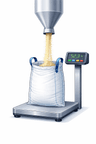
Designed for high-speed bagging lines. Set a target weight per bag, and the system fills, measures, and releases bags with minimal operator input. Supports rapid bag-after-bag cycling with automatic tare and zero reset between fills.
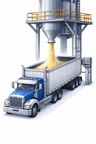
Bulk Loadout Mode
Load trucks, railcars, totes, or containers to exact target weights. The live progress display tracks accumulated weight while the system manages gate flow to prevent overloads. Perfect for fertilizer, grain, aggregate, and chemical facilities.
Every Fill on Record
Every fill transaction is automatically logged with timestamps, weights, material, operator, and tolerance results. Search, filter, and export your records at any time for reporting, audits, or integration with your existing systems.
Why WeighVue for Bagging and Bulk?

Hit Target Every Time
Automated gate control, overshoot compensation, and dribble-fill staging deliver consistent, accurate fills that reduce product giveaway and keep you in compliance.

Built for the Plant Floor
Whether you choose the kiosk or the desktop indicator, both use the same rugged industrial hardware that stands up to dust, moisture, vibration, and round-the-clock operation.
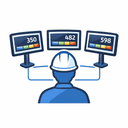
One Operator, Multiple Lines
Multi-scale support lets a single operator monitor and control several fill stations from one screen, reducing labor costs while keeping throughput high.