
WeighVue DB+
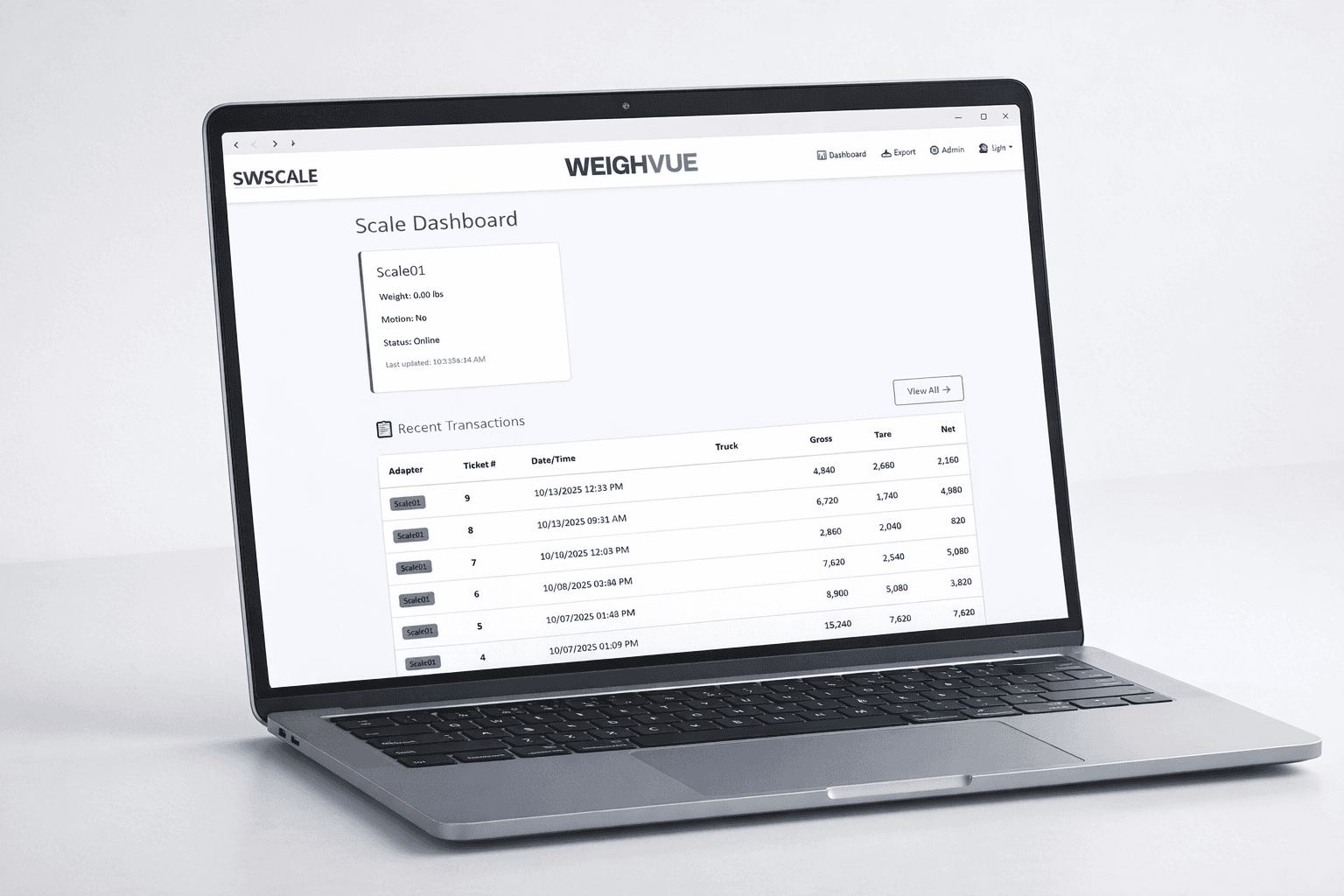
Turn your touchscreen indicator into a full-featured weighbridge system.WeighVue DB+ adds a database, a built-in LAN dashboard, and reporting tools that give your authorized team real-time insight into what is happening on the scale.
How It Works
The touchscreen indicator handles every weigh-in and weigh-out at the scale. Behind the scenes, DB+ records every transaction in a local database and hosts a secure web dashboard that authenticated users on your network can access from a browser.
Touchscreen Indicator
All weighing happens at the indicator. Operators run weigh-in and weigh-out transactions from the touchscreen right at the scale. Simple, fast, no extra steps.
LAN Dashboard
Authenticated users on your network open a browser and view live weight, search transactions, generate reports, and edit records. No software to install on their machine.
LAN Dashboard
Authorized users log in from any computer, tablet, or phone on your network and get secure access to your scale data. No software to install, no licenses to manage.
Multi-User Authentication
Every user logs in with their own credentials. Control who can view data, edit records, or access admin settings. Your scale data is not open to the entire network.
Live Weight Display
See the current scale weight in real time from any device on the network. Know what is on the scale without leaving your desk.
Transaction Search and Filter
Search the full transaction history by date, customer, material, ticket number, or any combination. Find any record in seconds.
Report Generation
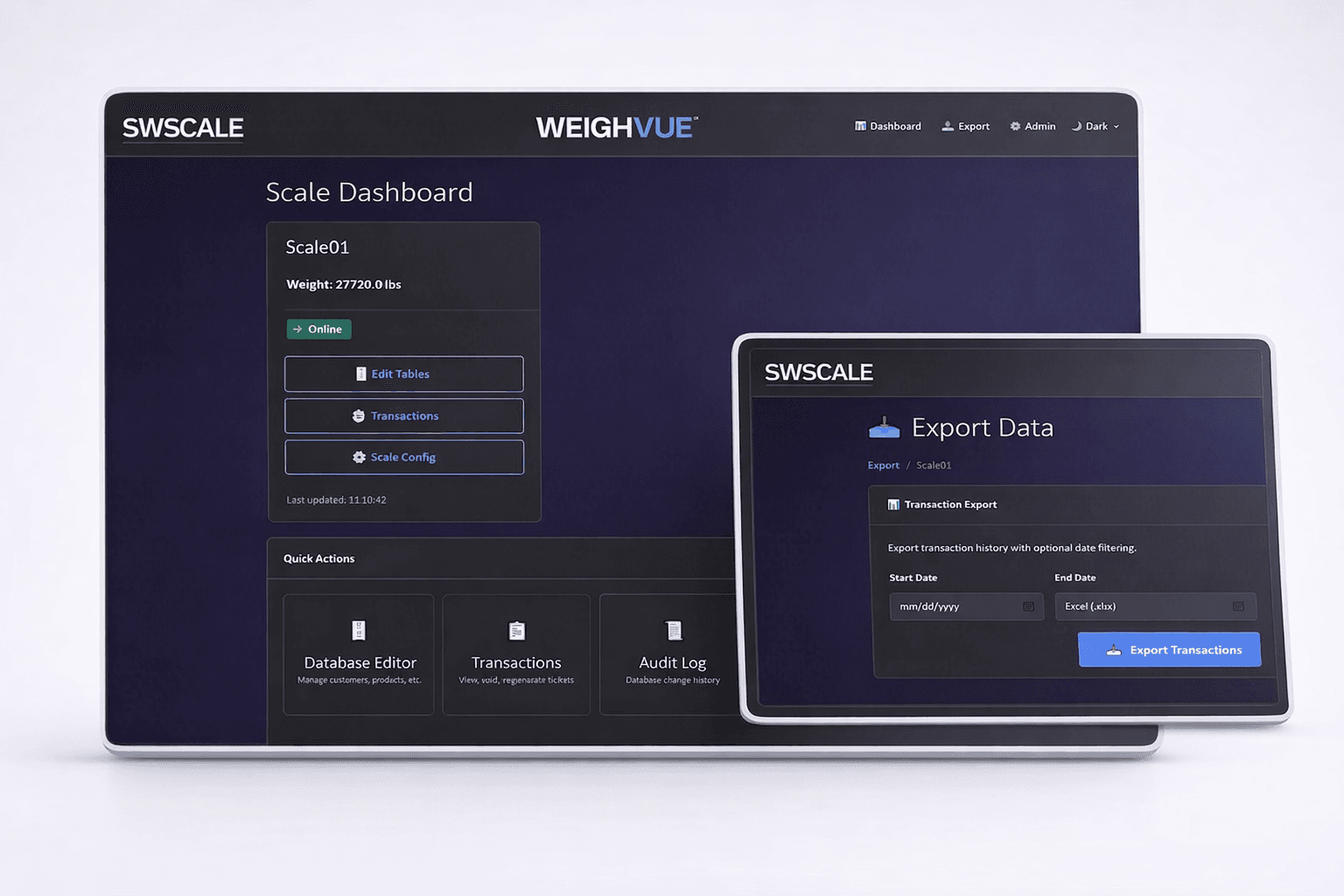
Build reports with the filters you need and export to Excel, CSV, or JSON. Perfect for end-of-day summaries, customer invoices, and compliance audits.
Data Editing
Correct a customer name, update a material code, or add a note to a transaction directly from the dashboard. Changes are logged for traceability.
Browser-Based Access
No client software needed. Authorized users access the dashboard from any computer, tablet, or phone on your network through a standard web browser.
View-Only by Default
The dashboard provides visibility into scale operations without allowing weight entry. Weighing always happens at the indicator, keeping your legal-for-trade workflow intact.
Built for Touchscreen Indicators
DB+ is designed to work hand-in-hand with your touchscreen indicator. The touchscreen interface runs the weighing workflow while DB+ handles data, reporting, and network access.

Touchscreen Indicator Integration
DB+ connects directly to your Rice Lake 1280 touchscreen indicator and extends it with database storage, networking, and a web dashboard.

Weigh-In and Weigh-Out
Full two-step weighing workflow on the touchscreen. Drivers weigh in on arrival and weigh out on departure with automatic net weight calculation.

Customer and Material Records
Pre-load customers, haulers, and materials so operators select from a list instead of typing. Fewer errors, faster transactions.

Automatic Ticket Printing
Print weigh tickets the instant a transaction completes. Templates are configurable with your site details, weights, and custom fields.

Local Database Storage
All transactions are stored locally on the indicator. Your data stays on your site and is always accessible, even if the network goes down.

1280 Compatibility
Works with your existing Rice Lake 1280 setup. DB+ slots in without replacing your current scale infrastructure.
Remote Administration
Authorized administrators can log in to the dashboard to change system parameters and remotely restart the application with updated settings. No need to walk out to the scale.

Admin Login
A secure login separates administrative functions from day-to-day dashboard access. Only authorized users can change system settings.

Remote Parameter Changes
Adjust system parameters from the dashboard without walking out to the indicator. Update settings and apply them from your desk.

Remote Application Restart
Restart the application remotely with updated settings. Apply configuration changes without physically touching the indicator.
Every Transaction on Record
Every weigh-in and weigh-out is automatically stored in a local database. Search, filter, edit, and export your records from the LAN dashboard at any time. Generate reports by date, customer, material, or any combination for audits, invoicing, or analysis.
Why WeighVue DB+?
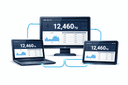
Network-Wide Visibility
Give office staff, managers, and accounting their own logins to view scale data from their desks. Multi-user authentication keeps your data secure.
Nothing to Install
The LAN dashboard runs in a browser. Authorized users access it instantly with no setup, no licenses, and no IT involvement.
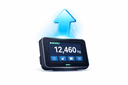
Upgrade, Do Not Replace
Add database storage, reporting, and network access to your existing 1280 without tearing out your current scale infrastructure.